
Images make technical content easier to follow. Here’s how different image layouts look on this theme — single images, full-width, and galleries.
Single Image
A single image centered within the content area. Click to view full size with the lightbox.



Image With Caption
Images with captions help explain what’s being shown. The caption appears below the image in a muted style.

Image Gallery
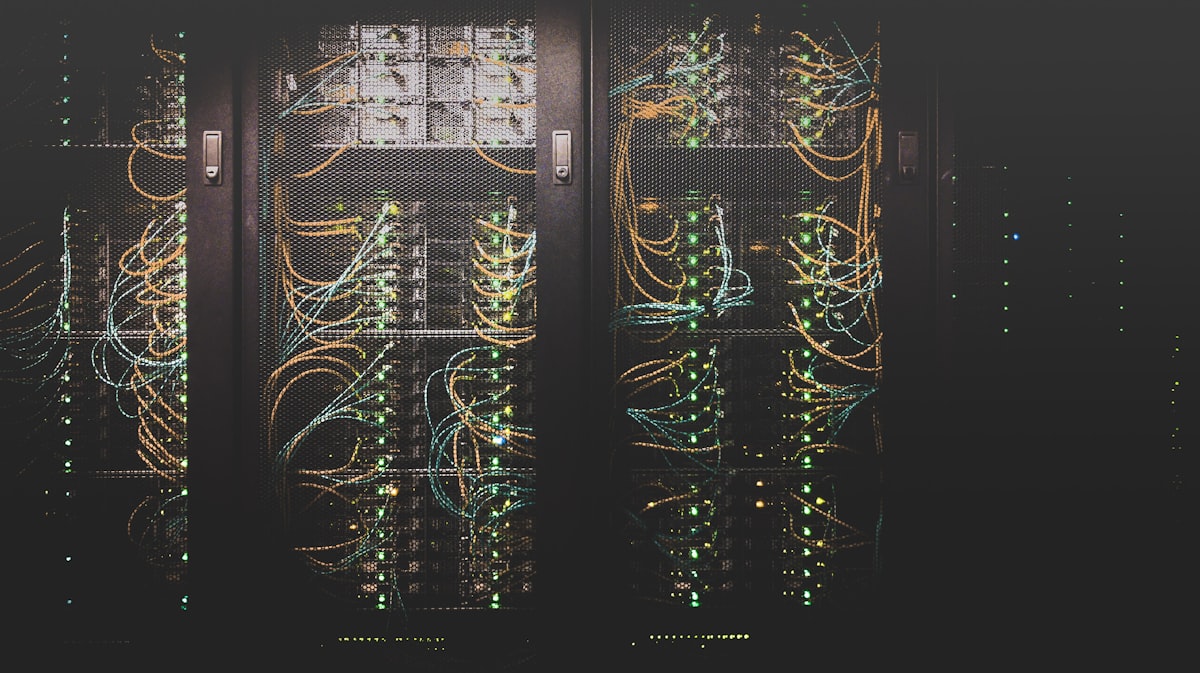
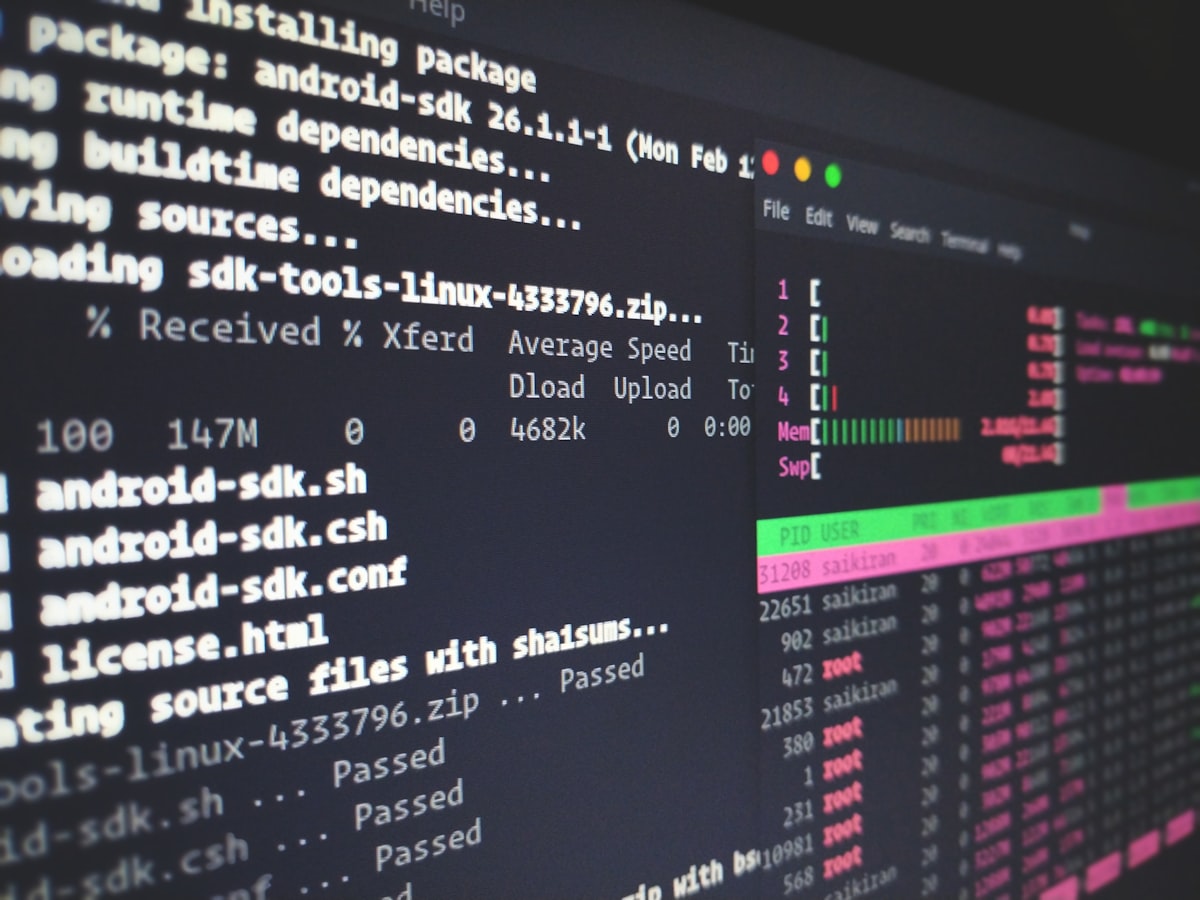
A gallery of related images displayed in a responsive grid. On desktop they show in 3 columns, on tablet 2, on mobile 1.


Images In Context
Images should also work within tables and other elements. Here’s a comparison table with descriptions:
| Image | Description | Use case |
|---|---|---|
| Code screen | Development environment with split panes | General coding tutorials |
| Circuit board | Hardware macro photography | Low-level / embedded guides |
| Server rack | Data center hardware | DevOps / infrastructure posts |
Lightbox Behavior
All images in post content are clickable. Click any image to open the lightbox overlay — a full-screen view with dark backdrop, smooth transition, and close button. Tap the backdrop or press Esc to close. Navigate between gallery images with arrow keys or on-screen buttons.
The lightbox is built with vanilla JavaScript — no external libraries, no extra HTTP requests. It lazy-loads the full-resolution image only when opened.






1 Comment